
What is Watermark - Student Learning and Licensure?
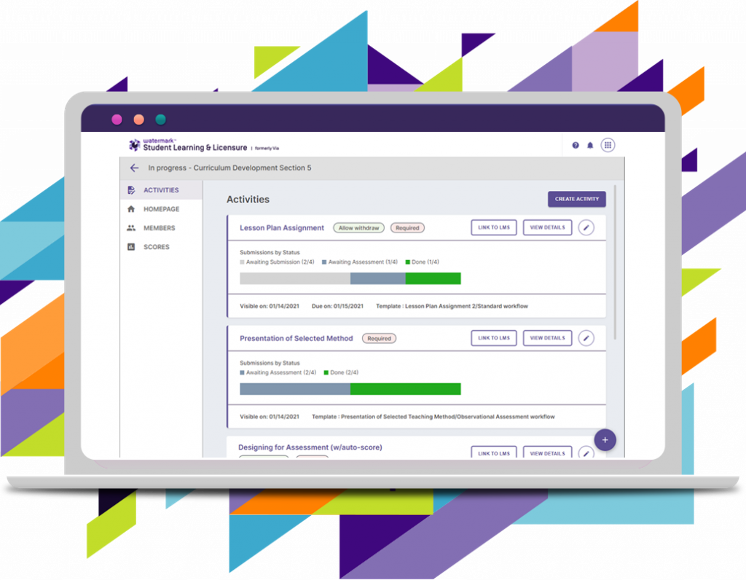
Watermark - SL&L is the electronic portfolio system used by the College for documenting and tracking candidate mastery of program competencies. Candidates submit assignments on Canvas that will directly pass through to SL&L. Candidates must demonstrate competency at the 3.0 level on a four (4)-point scale for each Program Competency to successfully complete the program.
The College is held accountable for ensuring that candidates meet these standards in their programs to assure quality and provide data to support evidence-based accreditation. Candidates upload core signature assessments by way of Canvas, and faculty determine whether a candidate has met, not met or reached the target on the identified elements/standards.
What You Need To Do First: Register for the Correct e-Folio Course
New candidates must successfully register for their program’s efolio lab course and follow the steps provided in Canvas to complete the efolio requirements.
| Program Levels | E-folio Courses |
|---|---|
| Undergraduate Programs | EDU 102 E-folio |
| Graduate Programs | MED 6102 E-folio |
| Doctoral Programs | EDD 6102 E-folio |
| Certificate Programs | MED 6102 E-folio |
Using SL&L
Watermark - SL&L Support
Contact Mentoring Services for help via phone at 1-800-311-5656 (follow the prompts) or by submitting a request for help.
For more information contact:
The Office of Technology, Assessment and Compliance email: tac@wilmu.edu